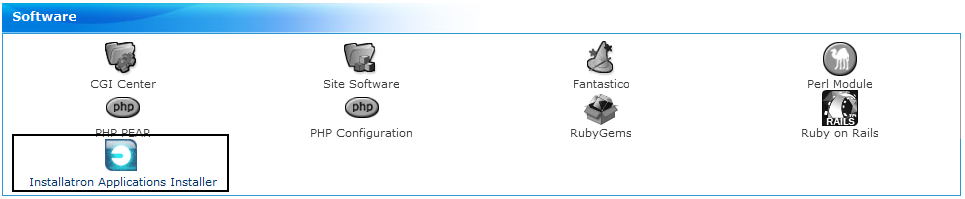
Step 1: Start Installatron
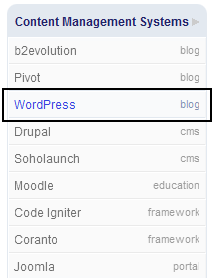
Step 2: Choose the package you want to import, we choose wordpress in this example
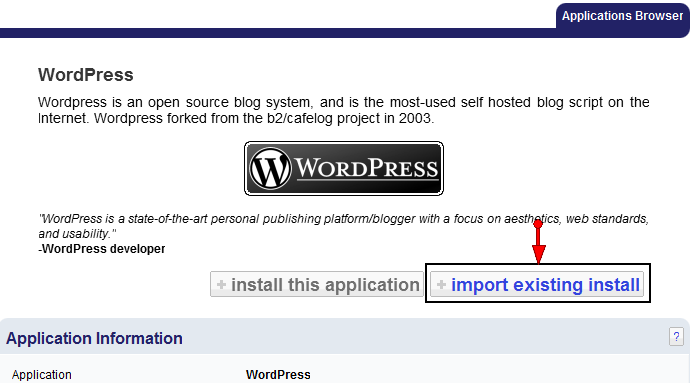
Step 3: Choose Import Existing Install
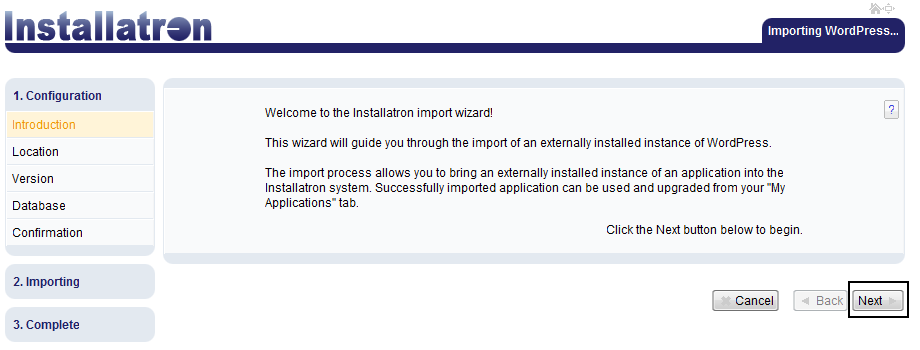
Step 4: Ready to start the Installatron wizard; click Next
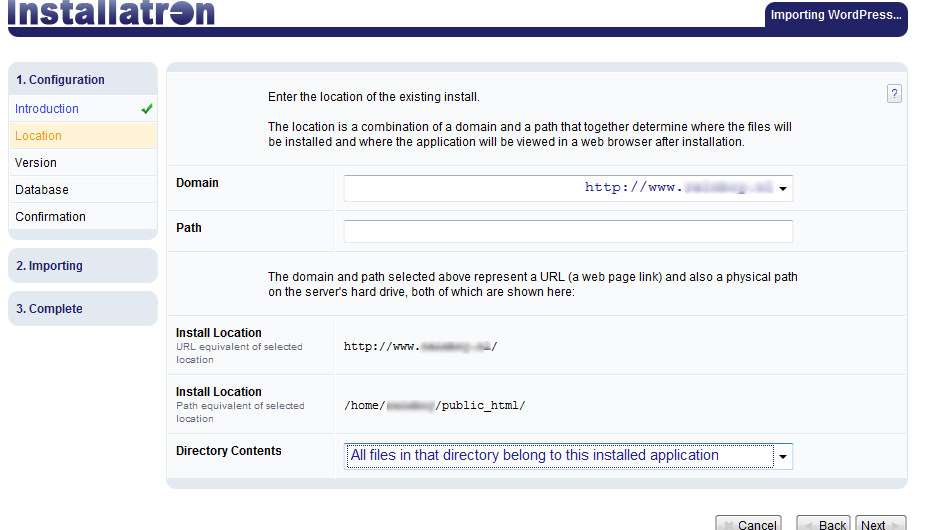
Step 5: Choose the location of your existing blog, note that this guide is for those who have only one wordpress installation on their account, if you have more you will need to read the installatron documentation or contact our support department to guide you. Of course you can always contact our support department if you have any questions at any of these steps.
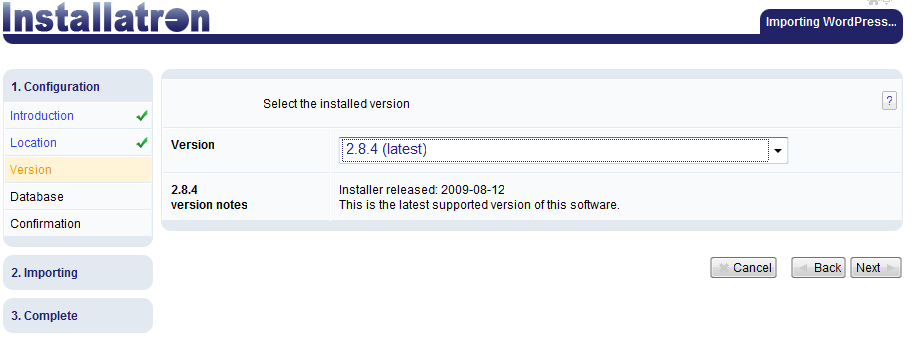
Step 6: Select the version of Wordpress you are currently running (in the example we choose the latest version available at the time of writing, but you have to select the version you are running. Installatron can import old versions, so you are able to upgrade later on.
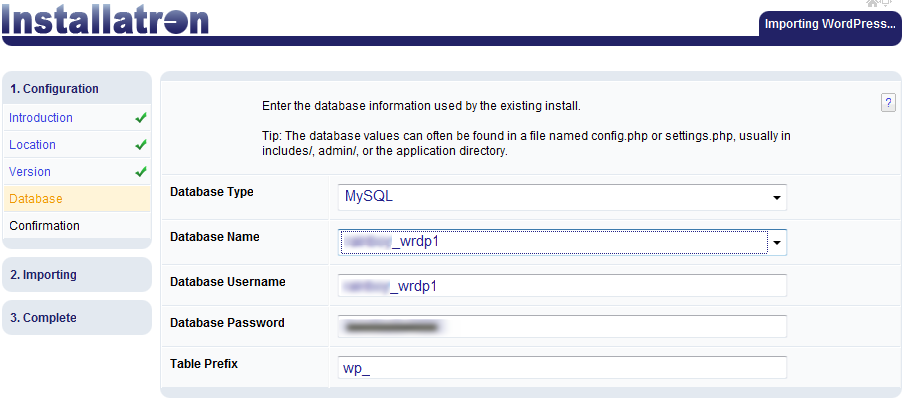
Step 7: Here you fill in your database configuration, installatron will try to automatically select the correct details, but you may need to verify the data.
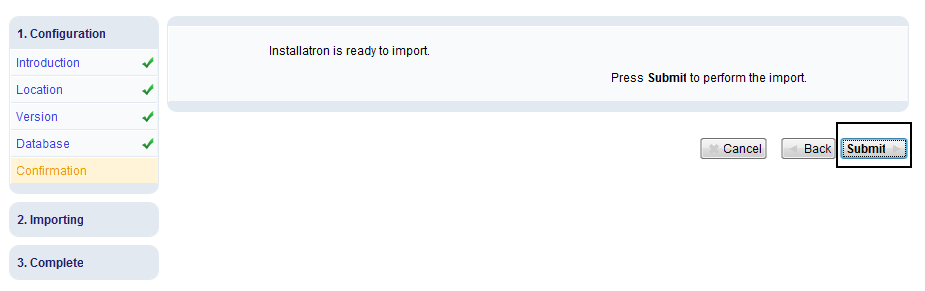
Step 8: Ready to import, you can still stop the process here, and nothing has changed.
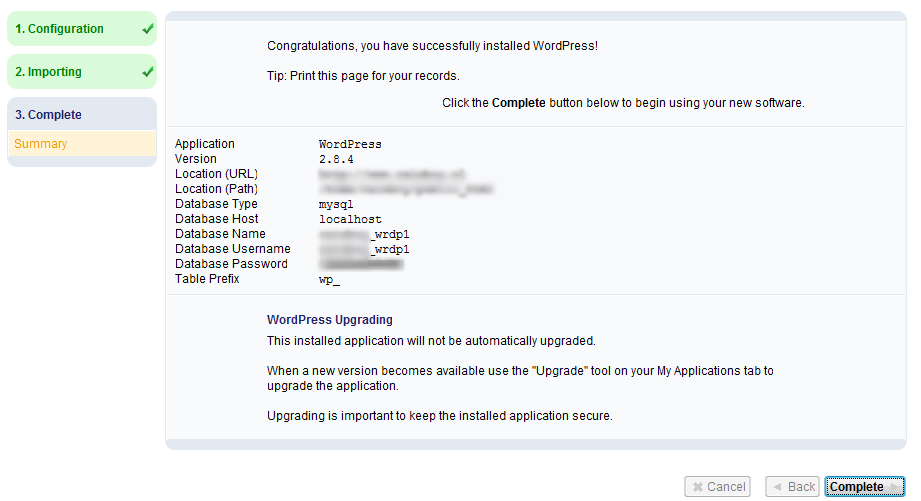
Step 9: Congratulations you imported your Wordpress installation.
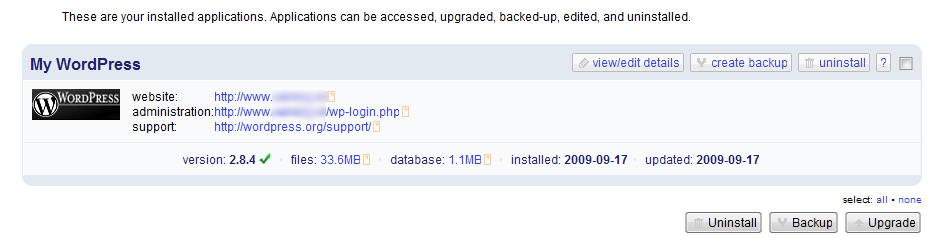
Step 10: Back to the installation overview screen; here you now see your imported wordpress configuration and are able to make backups/restores and do upgrades.